When you set up a new office, add a new employee or replace an old computer, the first decision is simple to ask and harder to answer: laptop or desktop? Laptops are portable and flexible; desktops are powerful and easy to upgrade. The right choice depends on how each person works. This guide compares both in plain language so you can decide role by role, not by habit.
Quick Comparison
| Factor | Laptop | Desktop |
|---|---|---|
| Portability | Excellent | None |
| Performance per rupee | Good | Better |
| Upgrades | Limited (RAM, SSD) | Easy (almost everything) |
| Repairs | Specialised parts | Standard, cheap parts |
| Ergonomics | Needs stand, keyboard, mouse | Built for a desk |
| Power backup | Built-in battery | Needs a UPS |
| Theft risk | Higher | Lower |
| Screen size | 13–16 inch | Any monitor, even two |
Cost: What Do You Really Pay?
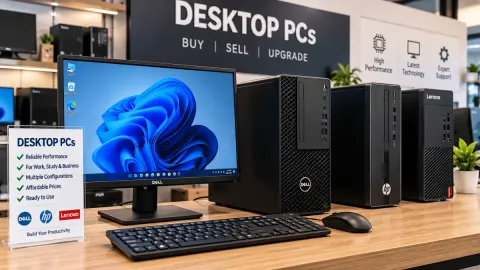
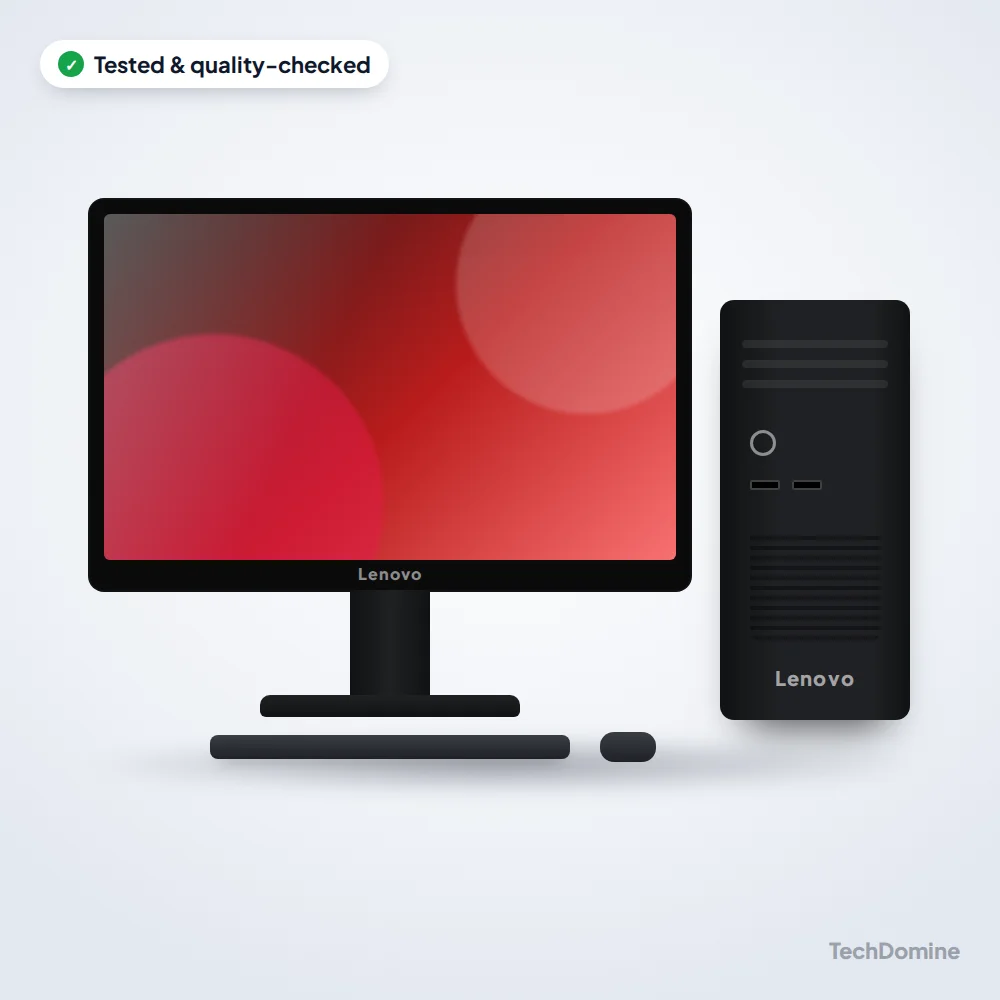
For the same performance, a desktop is usually cheaper than a laptop. A refurbished business desktop such as a Dell OptiPlex, HP EliteDesk or Lenovo ThinkCentre with a Core i5, 8–16 GB RAM and an SSD often costs noticeably less than a laptop with similar specifications.
But a desktop needs a monitor, keyboard, mouse and usually a UPS. A laptop needs a laptop stand, an external keyboard and mouse – and ideally a monitor – for comfortable all-day use. Add up the full setup for a fair comparison.
Performance
Desktops have more room for cooling, so their processors can run at full speed for longer. For heavy work – large Excel files, accounting databases, design software, programming with virtual machines – a desktop often feels faster than a laptop with the same processor name.
For typical office work (email, documents, web apps and video calls), a modern laptop with a Core i5, 8–16 GB RAM and an SSD is more than enough.
Upgrades and Lifespan
A desktop can grow with your needs. You can add RAM, add a second SSD, fit a graphics card, change the power supply or connect two monitors easily. That makes the useful life of a desktop long and the upgrade cost low.
Laptops are more limited. Most business laptops allow RAM and SSD upgrades – see our SSD and RAM upgrade guide – but the processor, screen and graphics are fixed.
Repairs and Downtime
Desktop parts are standard and cheap, and a technician can replace most of them in minutes. If a laptop screen, keyboard or motherboard fails, you need model-specific parts and the employee may be without a computer for a few days. For offices where downtime is expensive, desktops are easier to keep running.
Ergonomics and Health
Working eight hours on a laptop screen at desk height leads to neck and back strain. A desktop setup with a monitor at eye level, a full keyboard and a proper chair is healthier for long hours. If you choose laptops, give every desk a laptop stand or monitor, plus an external keyboard and mouse.
Power Cuts and Electricity
Laptops have a built-in battery, so a short power cut does not interrupt work – a real advantage in many parts of India. Desktops need a UPS to avoid data loss. On the other hand, laptops use less electricity in general, while a desktop plus monitor uses more.
Security and Theft
Laptops are easier to lose or steal, and they carry company data outside the office. If you use laptops, enable disk encryption (BitLocker on Windows, FileVault on Mac), strong passwords and a backup plan. Desktops stay in the office, which reduces that risk.
When a Laptop Is the Better Choice
- Sales staff, managers and field engineers who travel
- Staff who work from home some days
- Small offices with limited desk space
- Areas with frequent short power cuts
For laptop buying advice, read which laptop should you buy and our second-hand laptop checklist.
When a Desktop Is the Better Choice
- Accounts, billing and reception desks
- Designers, engineers and developers who need more power or two monitors
- Shared computers used in shifts
- Offices that want the lowest cost per workstation
Browse refurbished and new options in Desktop PCs.
The Hybrid Option
Many offices now use a mix: desktops for fixed roles and laptops for people who move. Another popular option is a laptop with a docking station – at the desk it connects to a monitor, keyboard, mouse and network with one cable; on the move it is a normal laptop.
Planning a Full Office Setup?
Choosing the computers is only one part. You also need network points, Wi-Fi, printers, user accounts and security. TechDomine handles complete Office Workstation Setup, structured LAN & WAN Cabling and Networking Installation. Read our small office network setup guide to see how it all fits together.
Frequently Asked Questions
Is a desktop cheaper than a laptop for office use?
For the same performance, yes – usually. Remember to include the monitor, keyboard, mouse and UPS in the desktop cost, and the stand and accessories in the laptop cost.
Which lasts longer, a laptop or a desktop?
A desktop usually has a longer useful life because almost every part can be upgraded or replaced cheaply.
Are refurbished desktops reliable for offices?
Yes. Business desktops such as Dell OptiPlex, HP EliteDesk and Lenovo ThinkCentre are built for years of continuous use and are very reliable when tested properly.
Can I use a laptop like a desktop?
Yes. Connect it to a monitor, keyboard and mouse – or a docking station – and it works like a desktop at the desk while staying portable.
Can TechDomine set up computers for my whole office?
Yes. We supply laptops and desktops and set up complete workstations, cabling and networking. Contact us for a quote.
Get a Recommendation for Your Office
Tell us how many people you have and what they do, and we will suggest the right mix of laptops and desktops. Call or WhatsApp +91 78276 28511 or email connect@techdomine.in.